
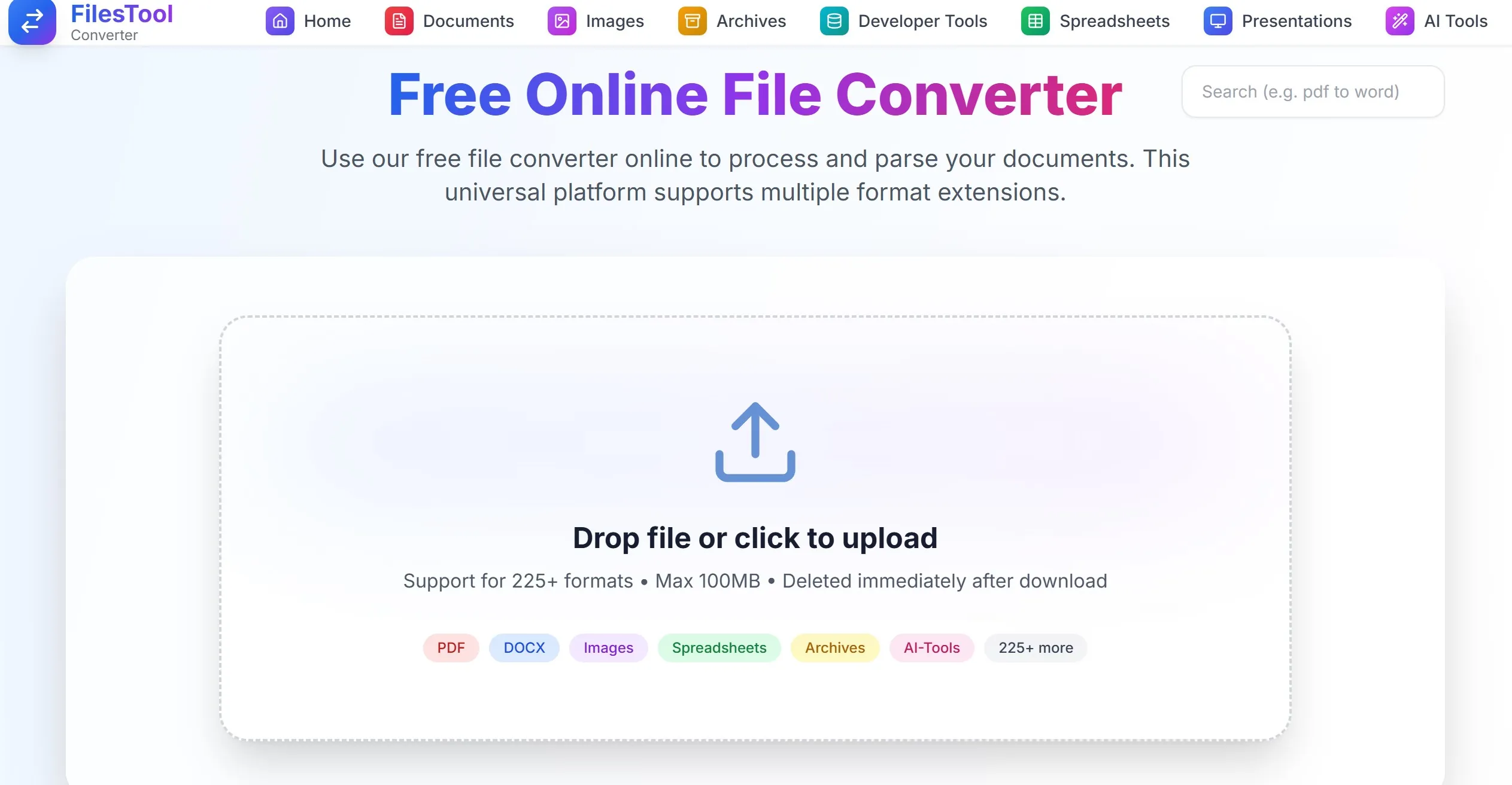
A Free Online Converter That Makes File Conversion Simple
If you work with images, PDFs, documents, spreadsheets, or archives every day, finding a reliable online tool can save a lot of time. Many websites either limit features, add watermarks, require registration, or create unnecessary complications. That is why FilesTool has quickly become one of the most useful free platforms for file conversion and image processing.
FilesTool is a free online service that allows users to convert, compress, edit, and optimize files directly from a web browser. With support for more than 225 file formats and a large collection of tools, it offers a practical solution for students, freelancers, business users, content creators, and developers.
A Clean and Easy User Experience
One of the first things users notice about FilesTool is its clean interface. The website is simple to navigate and does not overwhelm visitors with complicated menus or confusing options.
Whether you need to convert a PDF, remove an image background, extract text from a picture, or create a WebP image, everything is organized in a straightforward way. This makes the platform suitable for beginners as well as experienced users.
More Than Just a File Converter
Many online converters focus on only a few formats. FilesTool goes much further by supporting over 225 formats across multiple categories.
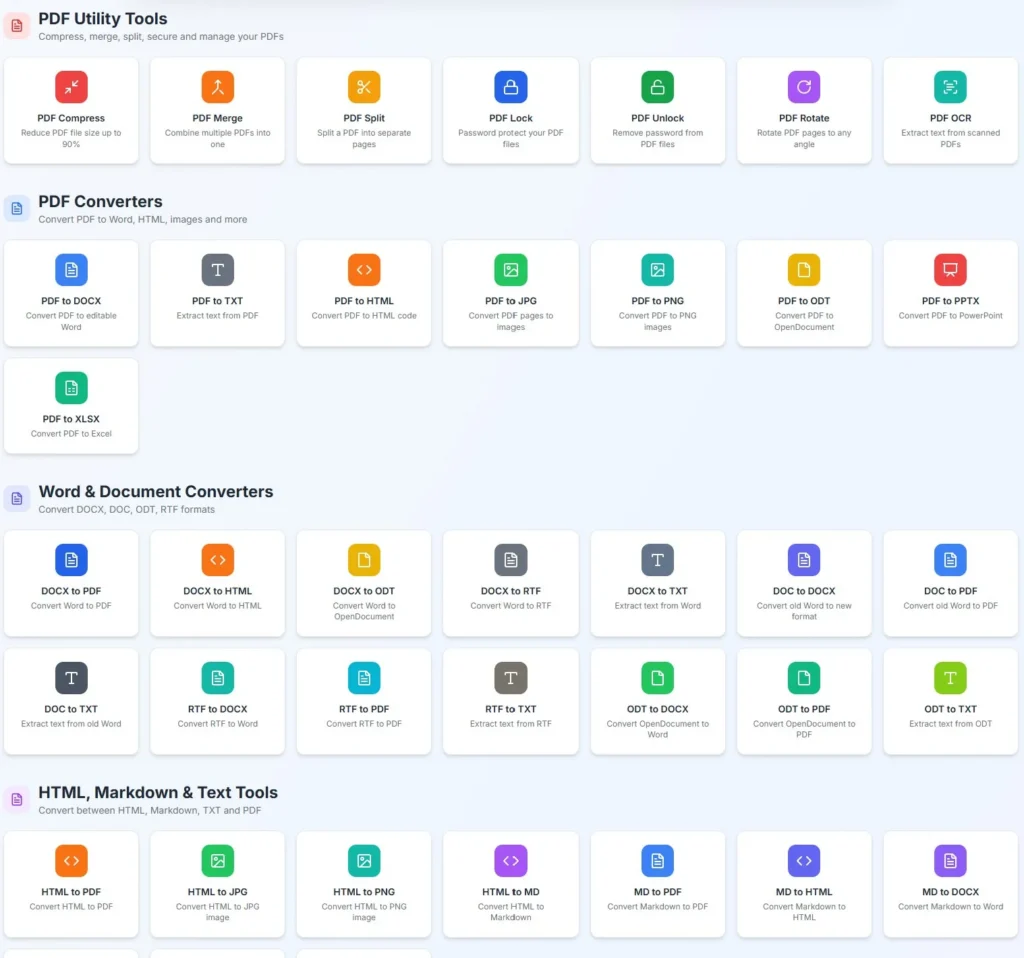
Users can work with:
- PDF files
- Word documents
- Excel spreadsheets
- Presentations
- Images
- Archives
- Developer related formats
This broad compatibility makes it possible to handle different file types without switching between multiple websites.
Helpful Image Tools for Everyday Tasks
Image editing is one of the areas where FilesTool stands out.
The platform includes several useful tools that help users prepare images for websites, social media, online stores, and personal projects.
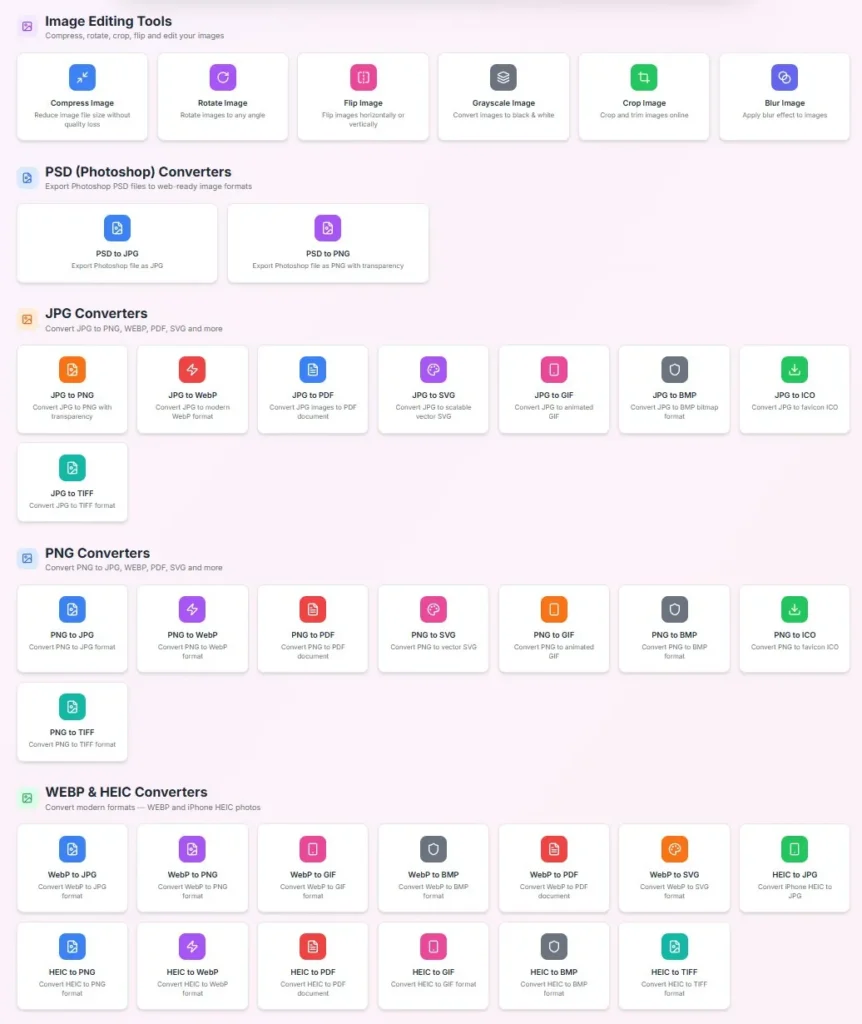
Popular image features include:
- Image compression
- Background removal
- Image to text conversion using OCR
- Image resizing
- Image enhancement
- Image upscaling
- JPG to WebP conversion
- PNG to WebP conversion
- WebP conversion tools
For website owners and bloggers, converting images to WebP can improve page speed and user experience. The built in tools make this process quick and convenient.
Privacy Focused File Processing
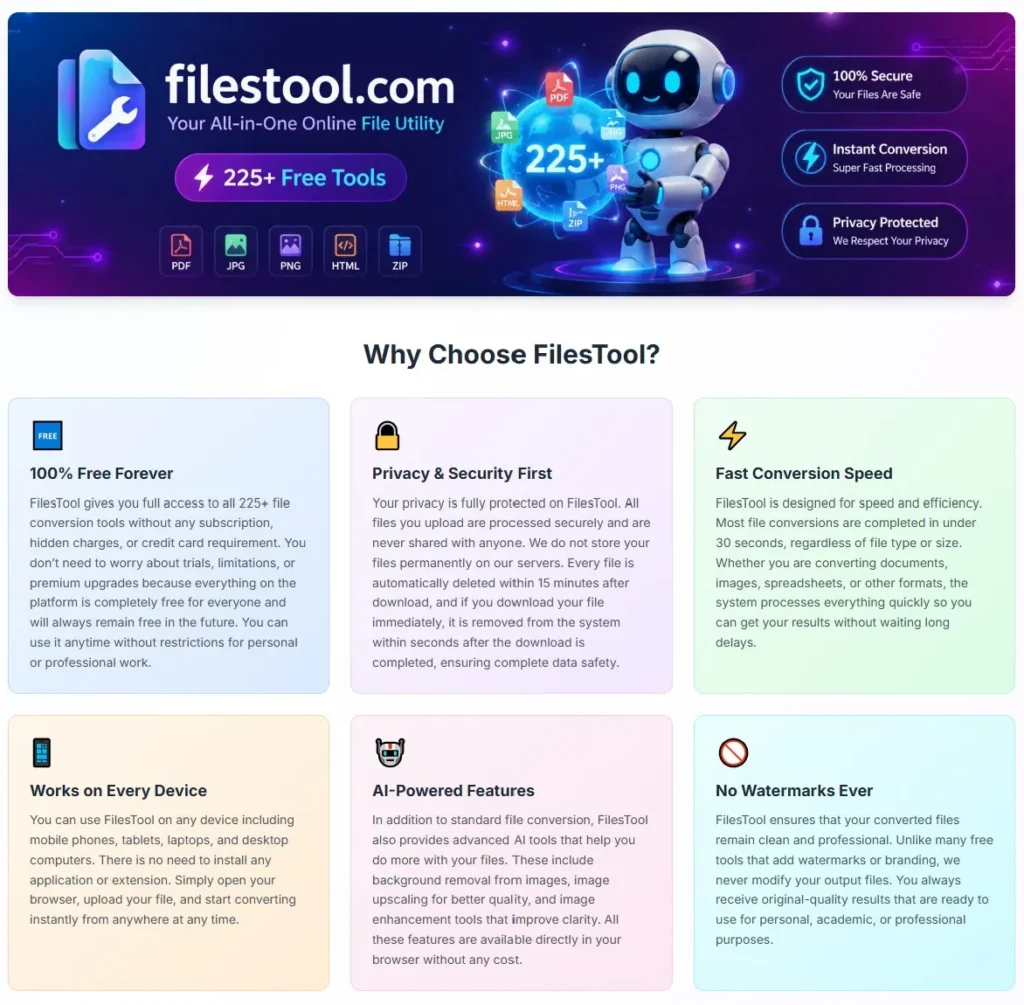
Privacy is a major concern when uploading files online. FilesTool states that uploaded files are processed temporarily and automatically deleted after a short period. The platform also operates without requiring account registration for core features.
This approach can provide additional peace of mind for users who regularly work with documents and images.
Secure Handling of Archive Files
The platform also offers archive extraction and conversion tools. According to the information available on the website, archive processing includes security scanning and secure extraction features.
This can help reduce risks when working with compressed files from different sources.
Free Access Without Watermarks
A common frustration with free online tools is the appearance of watermarks on processed files. FilesTool removes that concern by providing outputs without watermarks while keeping core features available for free.
There is also no requirement to create an account before using most conversion tools, making the experience faster and more convenient.
Support for Large Files
Many free converters impose strict upload limits. FilesTool supports files up to 100 MB for many of its tools, allowing users to work with larger documents, images, and archives without immediately running into restrictions.
Why FilesTool Deserves More Attention
Free projects often struggle to gain visibility despite providing genuine value. FilesTool is a good example of a platform that focuses on usability, accessibility, and practical features rather than unnecessary complexity.
Its combination of file conversion, image processing, OCR capabilities, AI powered enhancements, archive tools, and broad format support makes it useful for a wide range of users.
For people who regularly need to compress images, remove backgrounds, convert files, extract text from images, or work with modern formats like WebP, FilesTool can become a valuable part of their workflow.
Final Thoughts
FilesTool is a practical and user friendly platform that brings together file conversion, image optimization, document processing, and AI powered utilities in one place.
The clean design, extensive format support, privacy focused approach, and free access make it a useful resource for everyday digital tasks.
If you are looking for a simple way to convert files, optimize images, remove backgrounds, or work with hundreds of file formats without installing software, FilesTool is worth exploring.